
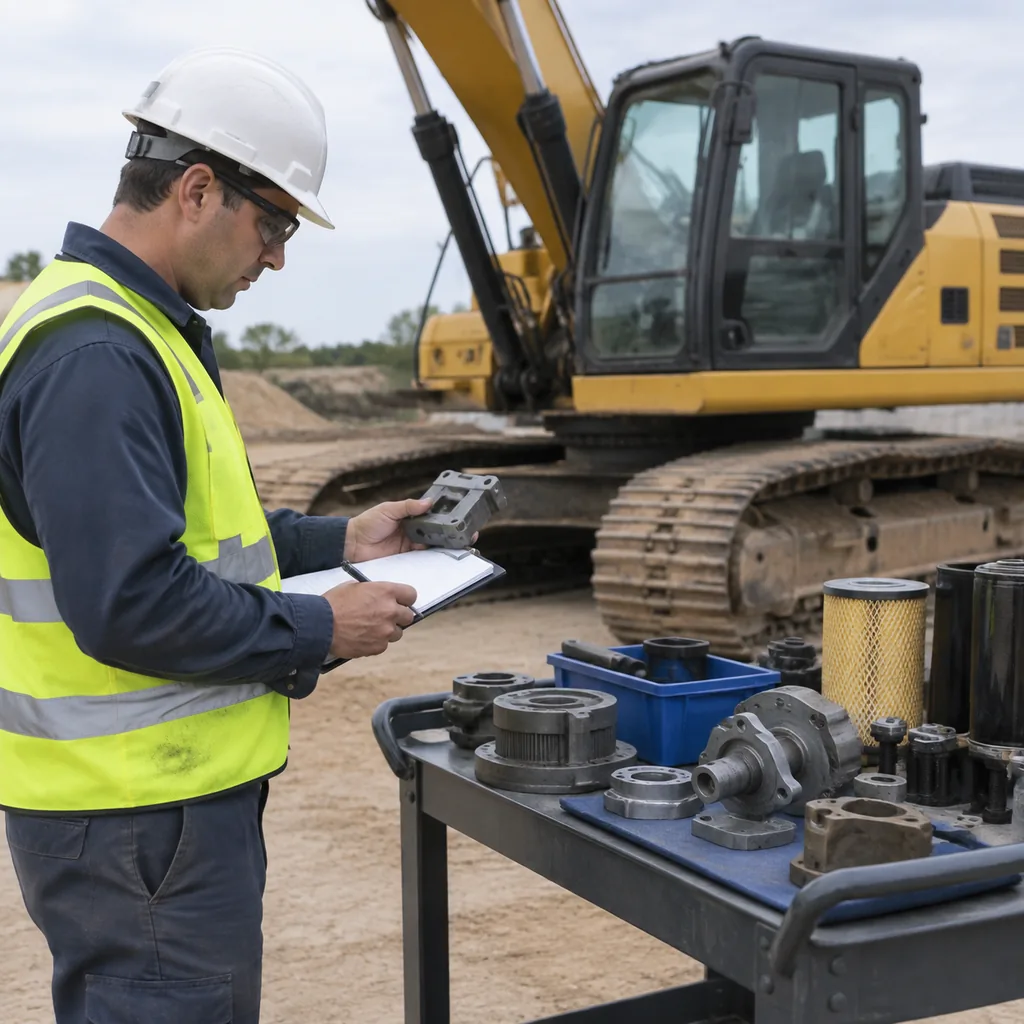
This Caterpillar E320D excavator parts catalog and identification guide shows how to locate the machine plate, read part numbers, use casting marks and dimensions, and prepare a complete parts inquiry. Use it before requesting E320D sensors, injectors, valves, hydraulic components, engine parts or undercarriage replacements.
Caterpillar E320D Parts Identification: Before You Search
This guide helps you identify E320D components by machine plate, part number, casting mark and dimensions. Have your machine model, serial number and component photos ready before searching for replacement parts.
E320D configurations can differ by serial number and region; verify every match against your machine. Machinery Part Source lists parts for inquiry, not public prices; final compatibility is checked through the RFQ process.
Where to Find the E320D Model and Serial Number Plate
The first identification step is locating and recording the machine identification plate. Do not rely only on decals or paint markings on the cab or frame. The official plate contains the model, serial number and often the engine arrangement, which are essential for accurate parts matching.
- Locate the official model/serial plate on the machine; do not rely only on decals or paint markings.
- Photograph the full plate and a close-up so all characters, prefixes and suffixes are readable.
- Record model, serial number, and any engine or arrangement information shown on the plate.
- If the plate is missing or damaged, look for engine and major component plates, then verify with a dealer or parts specialist.
Exact plate location can vary by manufacturing plant and model year. Always confirm on your specific machine.
How to Read Caterpillar E320D Part Numbers
Copy the complete part number exactly, including prefixes, suffixes, spaces and dashes where present. A single missing character can lead to the wrong component, especially for sensors, injectors and valves that may share similar housings.
Do not assume a part number from another machine or online listing fits an E320D without serial verification. Caterpillar may update or supersede part numbers, and different serial number ranges can require different components.
- A parts diagram or manual can help confirm the correct group and location for a number.
- If the number is worn, photograph it with scale and measure the component; a specialist may need to cross-check.
Caterpillar part number format, prefixes, suffixes and whether a number is superseded should be verified against the current parts system.
E320D Component Map: Common Excavator Parts Categories
Use this map to choose the right category before submitting a part number or photo. Knowing the component group speeds up the compatibility check and helps our team ask the right questions.
| Component category | Typical parts to identify |
|---|---|
| Engine parts | Filters, injectors, sensors, valves, gaskets, belts, cooling components |
| Hydraulic parts | Pumps, control valves, solenoid valves, cylinders, seals, hose assemblies |
| Electrical parts | Sensors, switches, wiring harnesses, monitors, controllers |
| Undercarriage and attachment parts | Tracks, rollers, idlers, sprockets, buckets, pins |
Use this map to choose the right category before submitting a part number or photo.
Related Parts
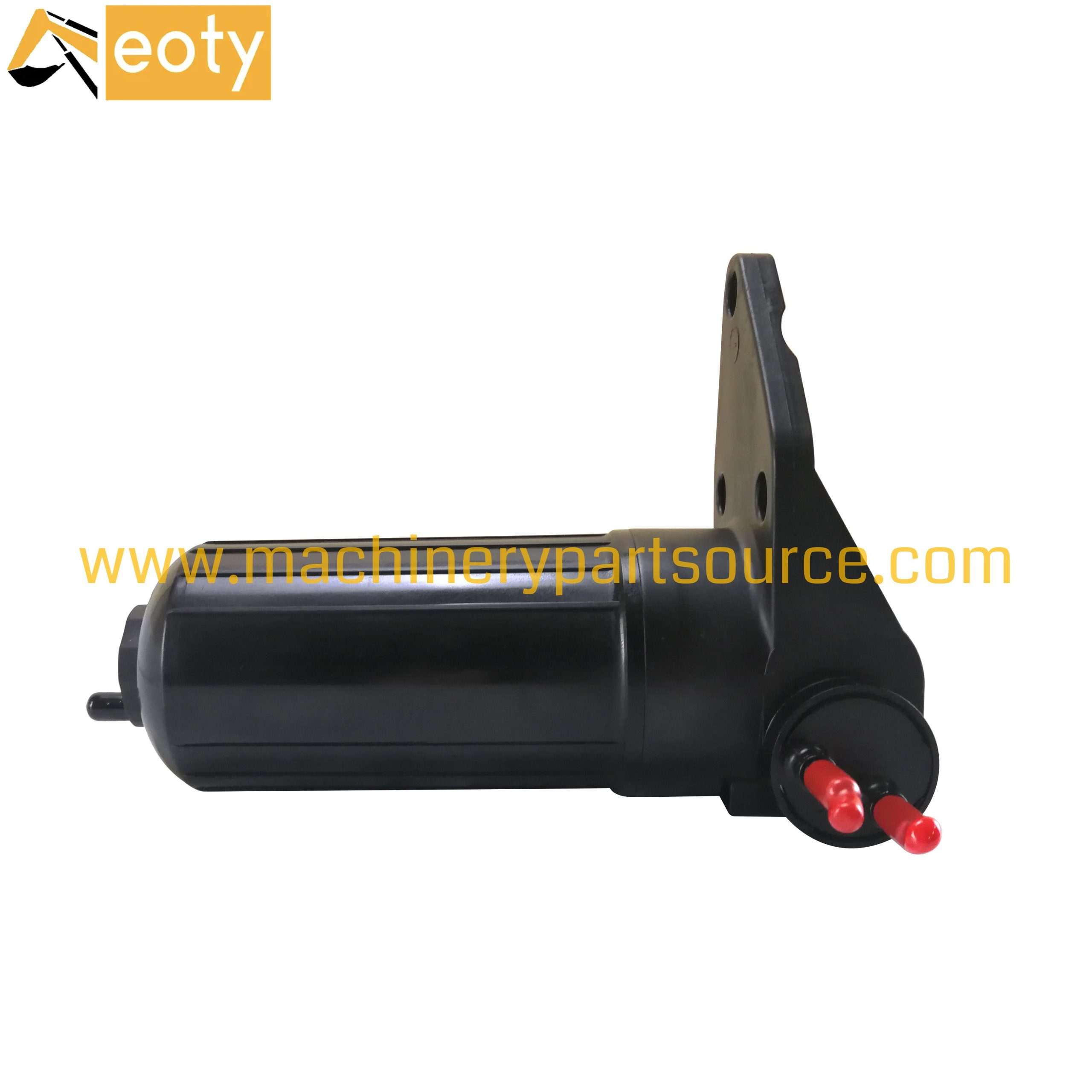
3054C E320D Fuel Priming Pump 467-7011 446-1895 for Caterpillar Engine Parts
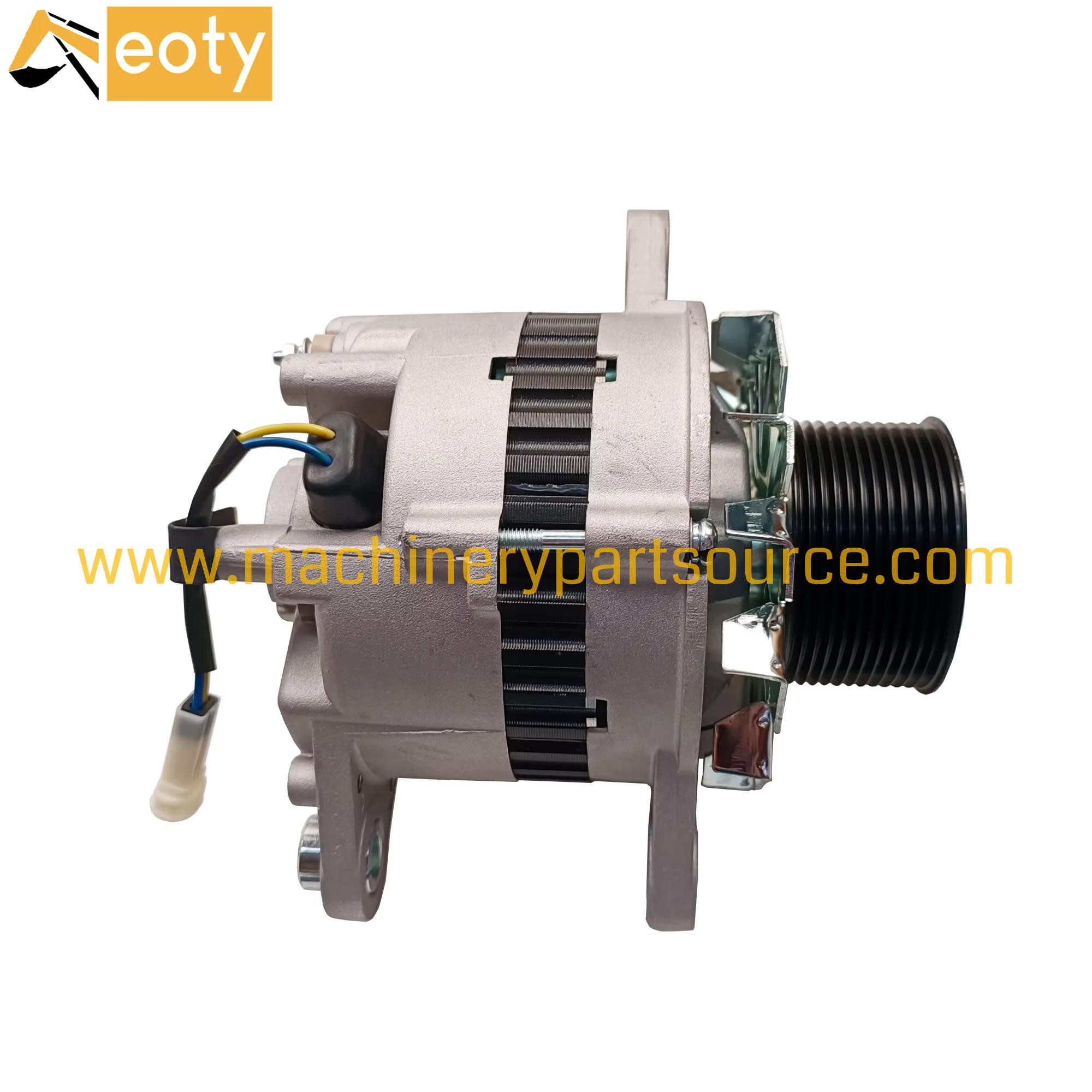
Alternator 12PK 28V 50A JFZ2520D 212-8561 34368-01100 for Caterpillar E320 E320B E320D Excavator
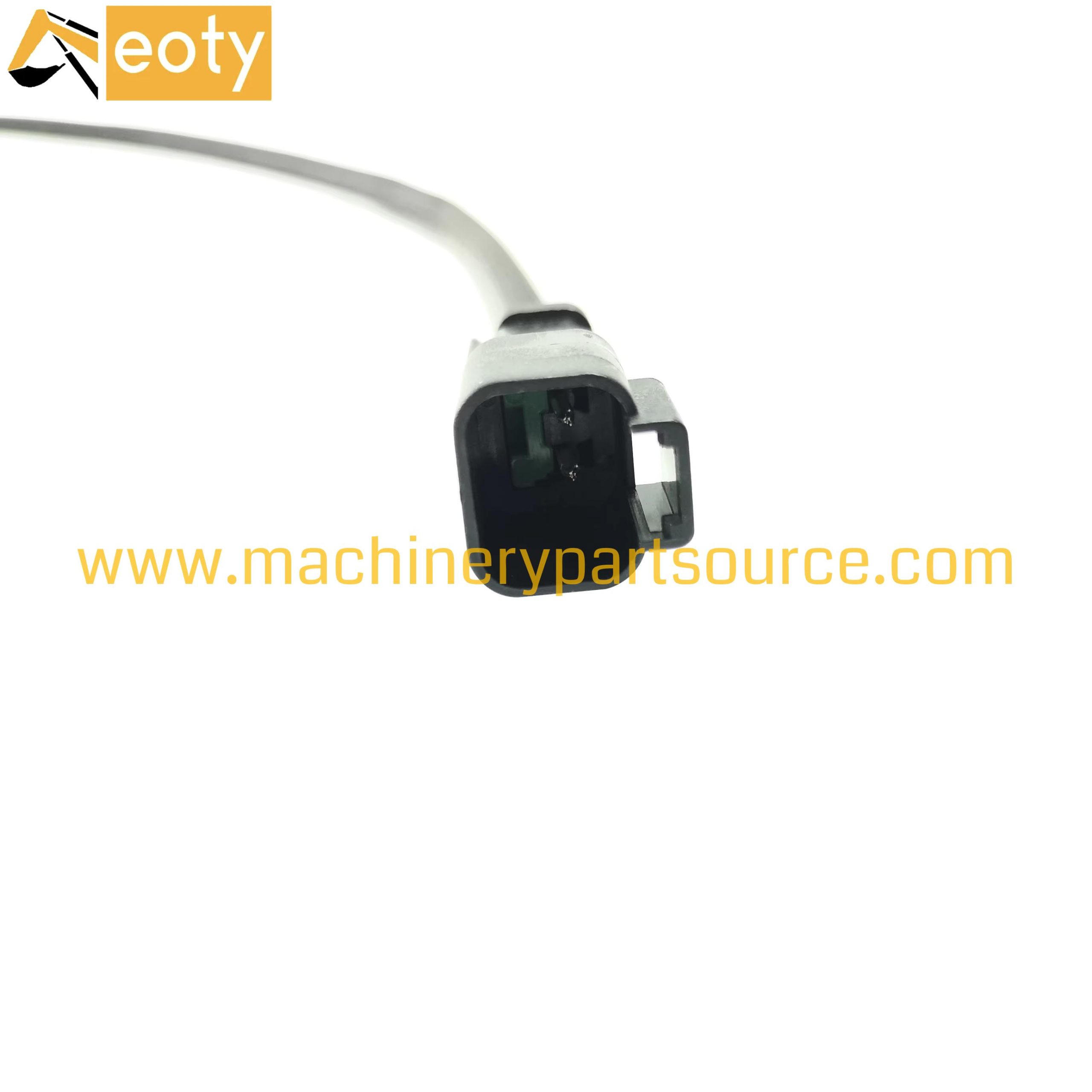
Caterpillar E320D Excavator Pressure Sensor 309-5769 | OEM Replacement Engine Parts
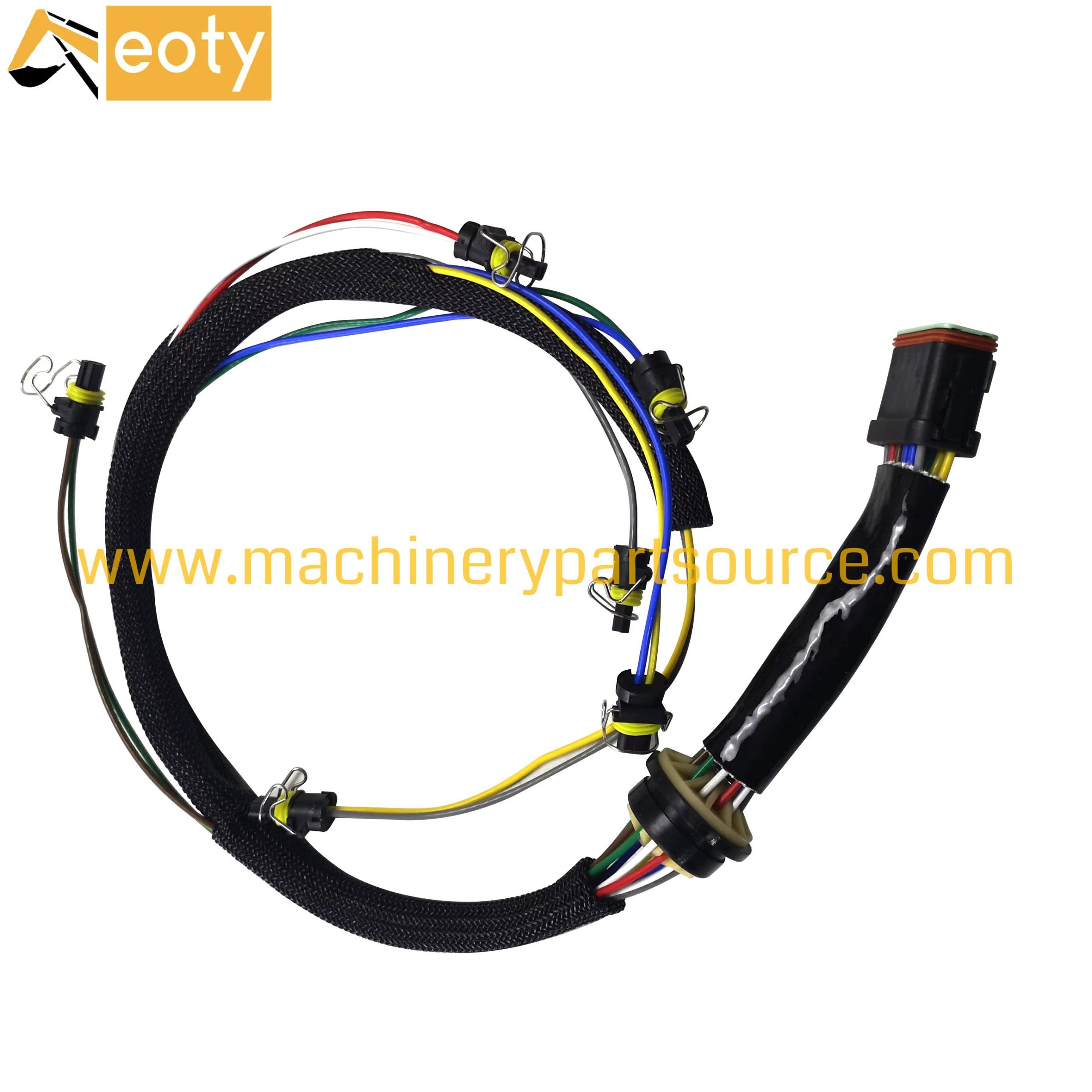
Fuel Injector Harness 222-5917 for Caterpillar E320D Excavator Engine Parts
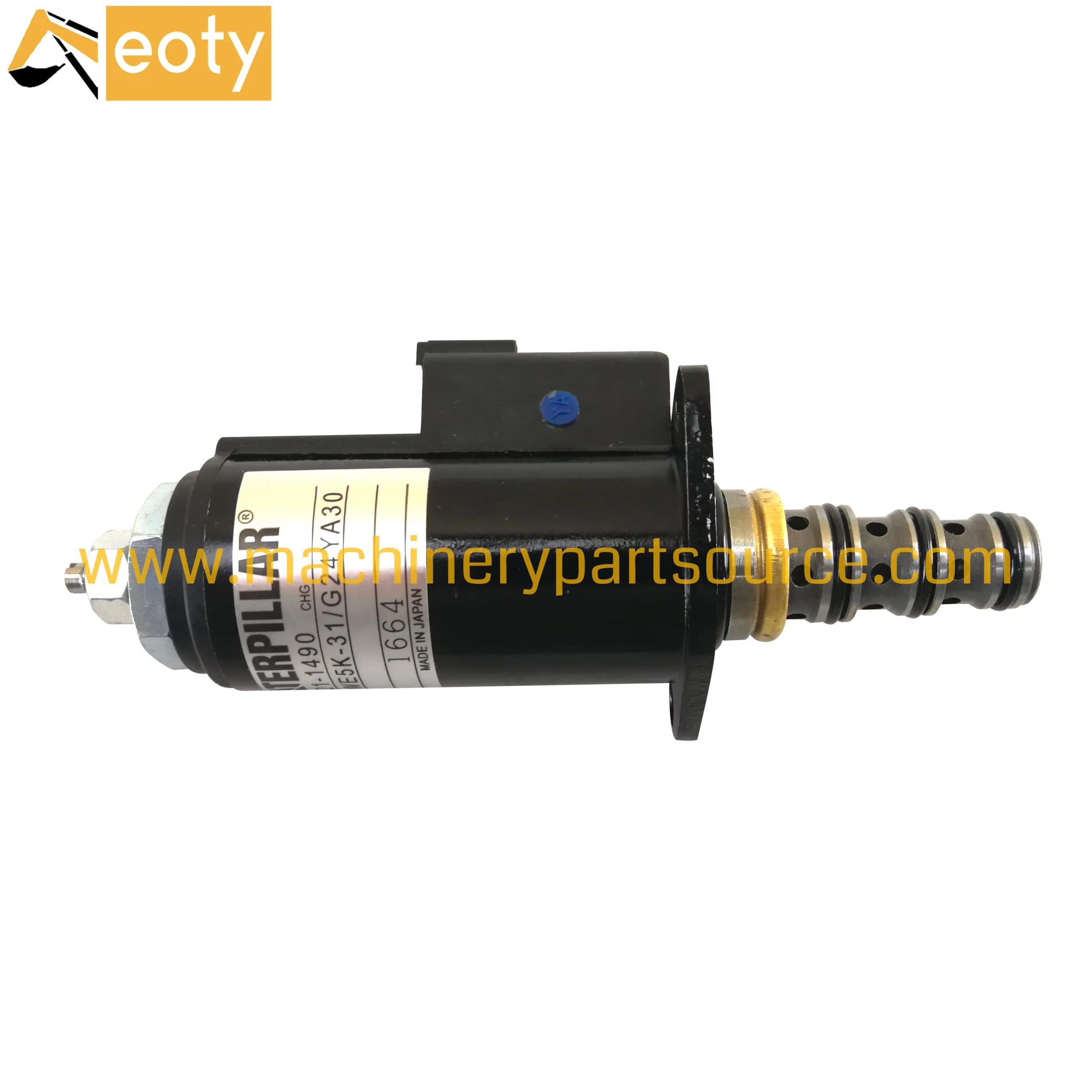
Caterpillar E320B E320C E320D E325B Solenoid Valve 111-9916 Engine Parts
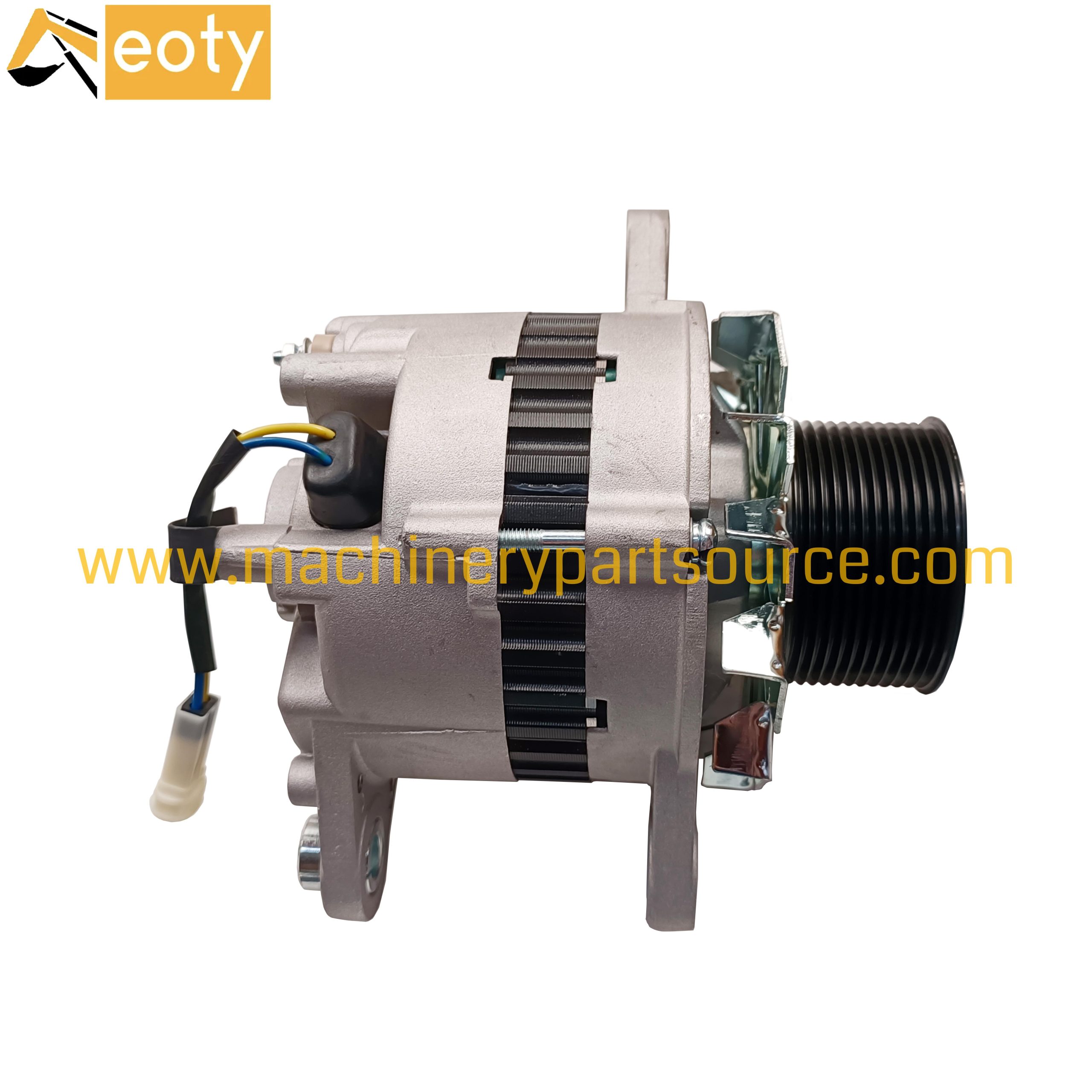
Alternator 12PK 28V 55A 34368-01100 JFZ2520D for E320 E320B E320D Caterpillar Engine Parts
E320D Sensor Identification Points
Record the sensor location, mounting style, connector shape, thread size and any visible part number. A photo of the connector alone is often not enough, because similar sensors may fit different harnesses or thread sizes.
Photograph the sensor from multiple angles, including the connector and any stamped or molded marks. Sensor part numbers can vary by machine serial number and engine configuration; verify before ordering.
- Sensor part numbers can vary by machine serial number and engine configuration; verify before ordering.
- If no number is visible, provide machine serial, engine model and a clear photo for cross-checking.
E320D Injector Identification Points
Capture the injector part number, engine model, machine serial number and any calibration code shown. Photograph the injector body, connector, nozzles and any stamped or laser-etched markings. These details are often required to identify the correct injector for a specific engine serial number.
- Do not match injectors by appearance alone; engine arrangement and serial number can change the correct part.
- Injector installation may require calibration or coding; confirm service procedures before installation.
E320D Valve Identification Points
Identify whether the valve is hydraulic, solenoid, relief, check or engine-related before searching. Record the valve location, port threads, mounting pattern, voltage or connector type where applicable. This helps distinguish between similar-looking valves that serve different functions.
- Photograph all sides and any nameplate, casting mark or part number.
- Valve assemblies can look similar; supply machine serial number and photos for verification.
Using Casting Marks and Dimensions to Narrow Down Parts
Casting marks on housings, covers and pump bodies may be supplier marks, date codes or foundry numbers, not Caterpillar part numbers. While they can help narrow down the original equipment or production run, they do not replace a part number or serial verification.
Measure mounting hole spacing, port size, shaft spline count, overall length and thread pitch where accessible. Place a ruler or caliper in photos so the parts team can check scale. This is especially useful when the original part number is missing or unreadable.
- Place a ruler or caliper in photos so the parts team can check scale.
- Casting marks and dimensions help narrow options, but they do not replace serial-number verification.
The meaning of casting marks, date codes and foundry numbers on E320D components can vary. Confirm with the parts team before finalizing a match.
Step-by-Step E320D Parts Identification Checklist
Follow this repeatable checklist to reduce back-and-forth when requesting E320D parts. Completing these steps before you submit an RFQ helps the parts team check compatibility quickly.
- Record the machine model and serial number from the identification plate.
- Clean the component area and photograph the full component, part number and connector or mounting points.
- Note any casting marks, dimensions, quantity and position on the machine.
- Check a parts diagram or manual for the component group and confirm the number format.
- List the part name, machine serial, photos and any existing part number.
- Submit the details through the RFQ form for compatibility checking.
Related Caterpillar Excavator Parts Paths
After identifying your component, choose the related path that matches your inquiry. These paths lead to more specific identification guidance and product categories.
- Caterpillar E320D replacement parts: use the category map above and include machine serial.
- E320D excavator parts: browse filters, hydraulics, undercarriage and engine components.
- E320D sensor parts: use the sensor identification points above and related sensor inquiries.
- E320D injector parts: include engine model and serial number with the injector number.
- E320D valve parts: identify valve type and location before sending photos.
- Caterpillar excavator parts catalog: browse the Caterpillar Excavator Parts cluster for additional categories.
E320D Parts Identification FAQ
Can I identify an E320D part from a photo alone?
Photos help, but machine serial number and part number improve accuracy. A photo alone may not show all necessary details such as thread size, connector type or internal calibration codes.
What if the model plate is missing?
Check engine and component plates, casting marks and dimensions, then request verification. A parts specialist can often narrow down the correct part using multiple physical clues and the machine history.
Are E320D parts the same for every serial number?
No; configurations can vary, so verify by serial number and engine arrangement. Caterpillar may introduce changes during production that affect part compatibility.
Do you show prices online?
No; parts are available by inquiry, and the team confirms compatibility and quote details. This helps prevent ordering the wrong part based on price alone.
How do I send an RFQ?
Use the Request a Quote button and include machine model, serial number, part number and photos. Clear photos and measurements reduce the number of follow-up questions.
Send Your E320D Part Number, Engine Model or Machine Model
Include your E320D serial number, engine model if known, part number, photos and quantity. Tell us the component category: sensor, injector, valve, hydraulic, undercarriage or engine part.
Our team can check compatible excavator and diesel engine parts for your RFQ. Use the Request a Quote button to send your part number, engine model or machine model.
Send your part number, engine model or machine model
Our team can check compatible excavator and diesel engine parts for your RFQ.